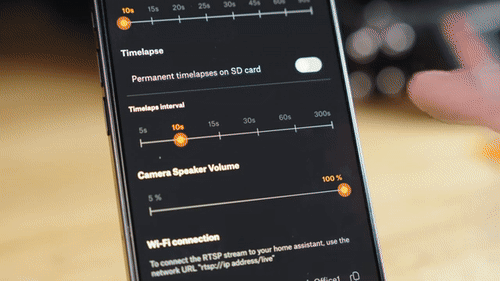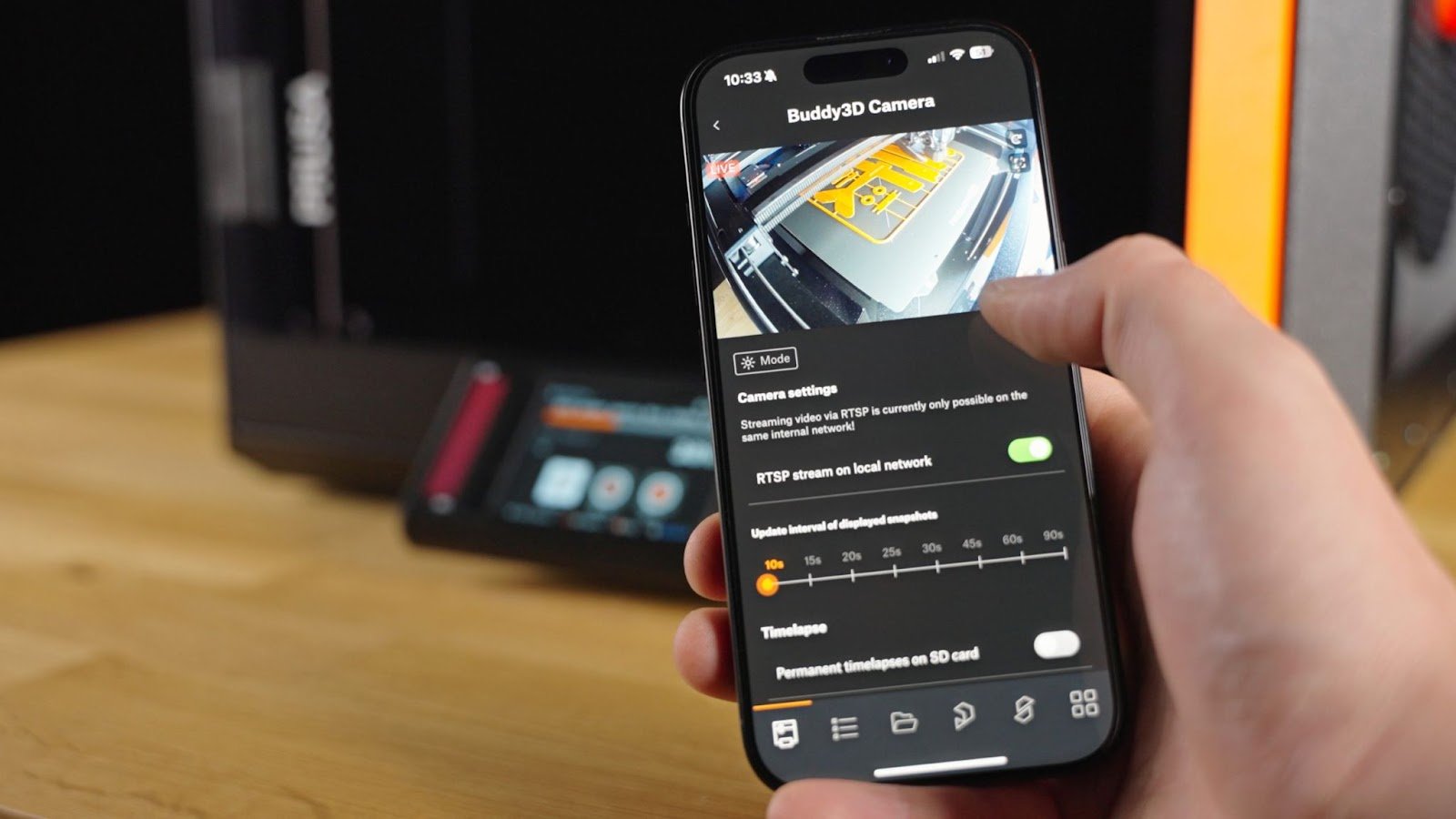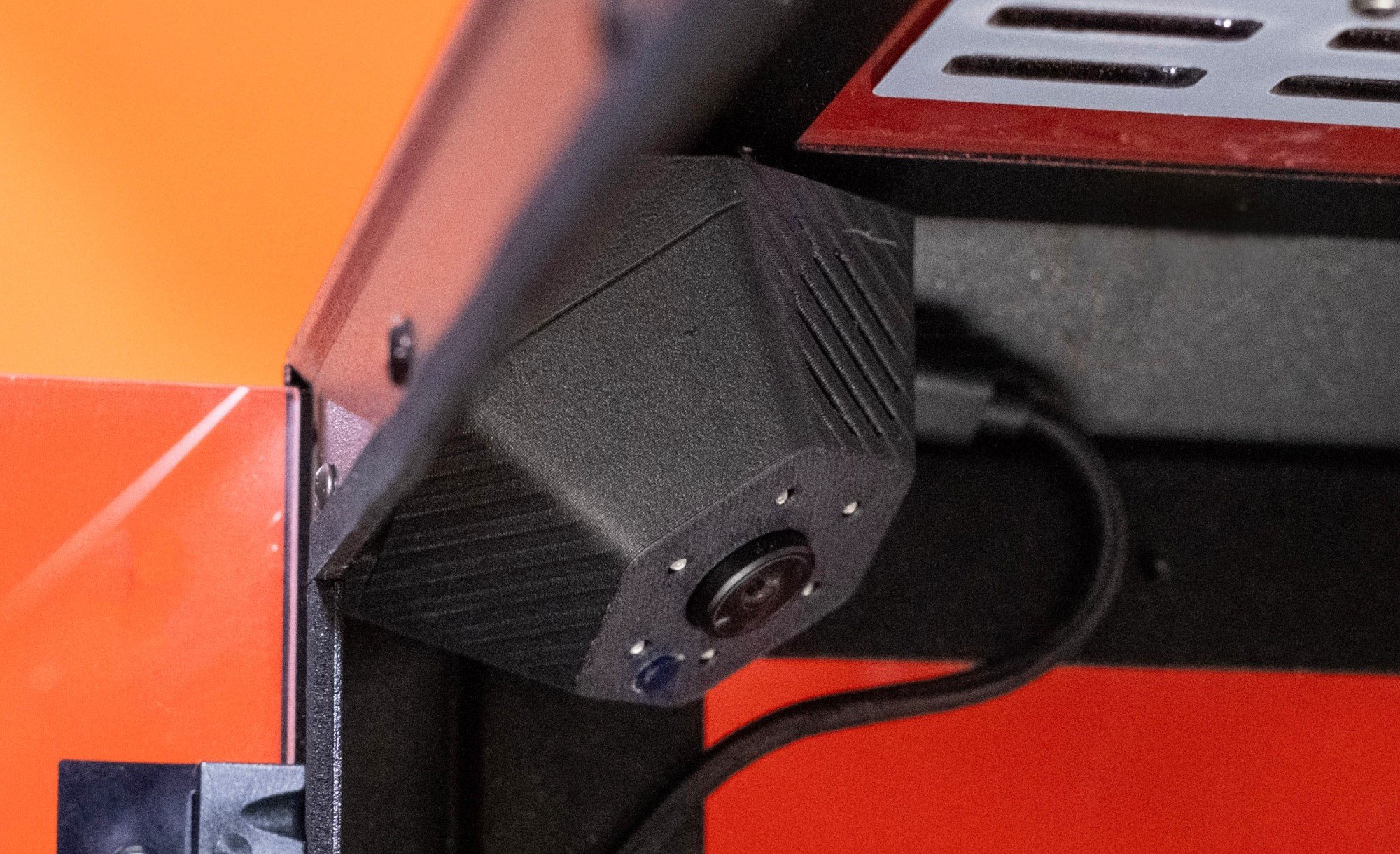
Buddy3D Camera for Prusa CORE One


Produits Connexes


Fuse X1 Build Unit
$28,600.00
The Fuse X1 build unit contains and transports prints throughout the Fuse X1 ecosystem. It is wheeled and mobile to easily move between the Fuse X1 during printing and Fuse Sift X1 for breakout, with blind-mate power and data connectors for ergonomic print changeovers. An insulated chamber allows the print to passively cool outside of the print...


Fuse X1 Production Service
$29,315.00
Eligibility All Fuse X1 Owners Duration Up to 5 years Accessories Coverage (i.e. Sift, Blast, Build Chambers etc.) Printer Replacement Parts / RMAs Accidental Damage Coverage Preventative Maintenance 2x per year Consumables/Wearable Parts Coverage (e.g. Quartz Tubes, Filters, Gaskets) Onsite Calibration / R...


Flexible 80A Resin V2 (Form 4) 1L
$284.57
Flexible 80A Resin V2 is a resilient 3D printing elastomer that rivals the look, feel, and function of 80A cast urethanes, TPUs, and hard rubbers. Parts printed in Flexible 80A Resin V2 snap back into place and withstand repeated bending, tension, and compression. Create tear-resistant functional prototypes and end use parts, protect sensitive c...


Fuse Blast High Capacity Kit
$4,999.00
Scale your post-processing throughput with the Fuse Blast High Capacity Kit, a drop-in upgrade for Fuse Blast that processes over 50% more parts per cycle than the standard basket. It's the recommended configuration for Fuse X1 users and multi-Fuse 1 Series fleets running large, frequent batches. A wider 400 mm opening makes loading and unloadin...


Fuse Sift X1 120V
$42,900.00
Fuse Sift X1 is a large format powder recovery station that turns post-print into a clean, hands-off workflow. An integrated powder transport system moves used powder from the Sift X1 to the Mix Kit automatically, and integrated compressed air inlet and gun that helps you recover powder from parts in seconds, replacing slow manual brushing. The ...


Fuse X1 3D Printer
$119,000.00
Fuse X1 is a large-format industrial SLS 3D printer, built for engineers, manufacturers, and service bureaus looking to produce large prototypes and high-volume end-use parts with a faster turnaround. Its massive build volume and high packing density enable same-day large parts and 3x the throughput compared to competing platforms. AI-powered P...


UltiMaker Factor 4 Plus 3D printer
$32,788.42
UltiMaker Factor 4+ industrial-grade 3D printer, designed to take manufacturing to new levels of efficiency and reliability. Factor 4 is an end-to-end 3D printing solution for light industrial applications. Key features of UltiMaker Factor 4+: Industrial-Grade Performance Constructed from robust steel, aluminum, and glass, Factor 4+ is built for...


Bambu Lab Cool Plate SuperTack Pro
$39.99
Product Features Improved adhesion for more stable PLA and PETG printing Fine-tuned adhesion reduction when cooled — easy part removal Durable coating engineered for long-lasting performance Natural texture that subtly minimizes bottom-surface imperfections What Makes it Pro? 25% Longer Lifespan 10% Lower Operating Temperature ...


Bambu Lab Cool Plate SuperTack Pro for H2D
$79.99
Product Features Improved adhesion for more stable PLA and PETG printing Fine-tuned adhesion reduction when cooled — easy part removal Durable coating engineered for long-lasting performance Natural texture that subtly minimizes bottom-surface imperfections What Makes it Pro? 25% Longer Lifespan 10% Lower Operating Temperature ...


Bambu Lab Anti-Vibration Feet for H2 Series
$6.99
Overview The Anti-Vibration Feet are used to reduce printer vibrations during the printing process. Installation Learn more about the Anti-Vibration Feet on Bambu Lab Wiki. In the Box - Anti-Vibration Feet*4 - M3-21.5 Screw*4 - Gasket*4 Compatibility H2 Series Product Specifications Materials Plastic Packaging Size 1...


Bambu Lab Floating Damper Feet P2S/X2D (pack of 4)
$7.99
Isolate Unwanted Vibration for Better Print Quality The floating damper feet are tuned with precise resonance frequency to effectively decouple the machine from desktop vibrations. This vibration isolation system ensures consistent print quality even in the presence of external vibration sources. *Two machines share a desk, both printing ...


Bambu Lab Replacement Filament Cutter - H2C/H2D
$5.99
Overview The Filament Cutter is a blade that is used to cut the filament during a filament change. Installation Learn more about Replacement Filament Cutter on Bambu Lab Wiki. In the Box - Replacement Filament Cutter*3 Compatibility H2D and H2D Laser H2S and H2S Laser H2C and H2C Laser Product Specifications Material...